
192 kbps MP3
We take the best audio track X provides for the video and encode it as a 192 kbps MP3, the most widely supported audio format.
Extract the audio from a video posted on X (Twitter) and save it as an MP3 that plays on any phone, computer or car stereo.
Copy the link of the post with the video (Share, then Copy link).
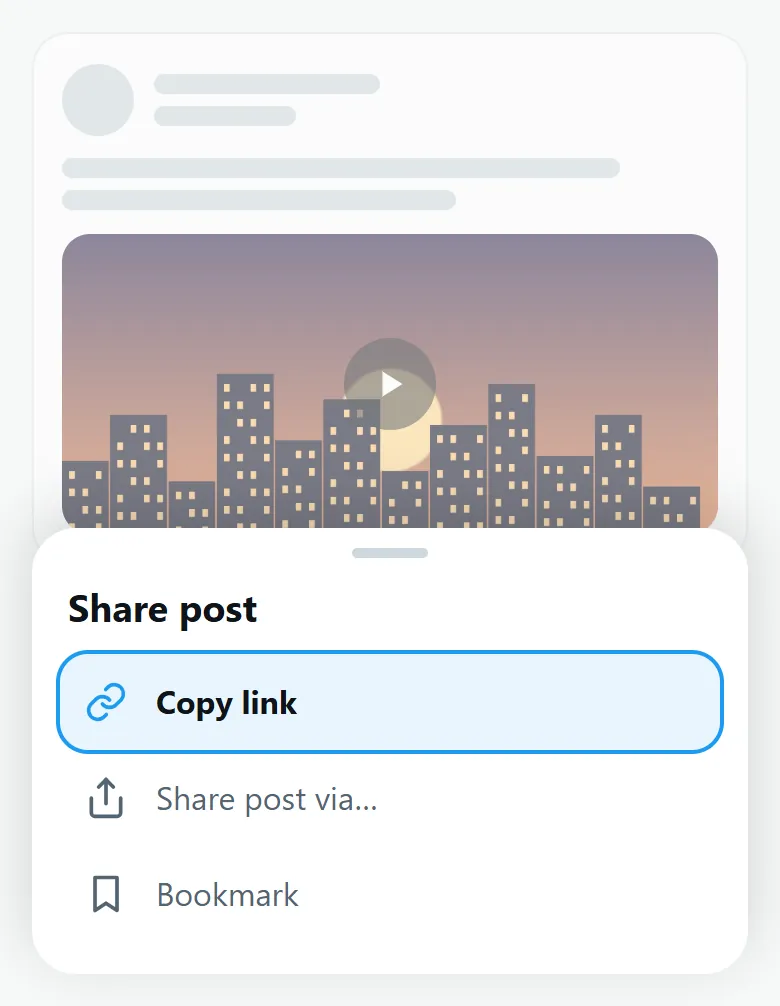
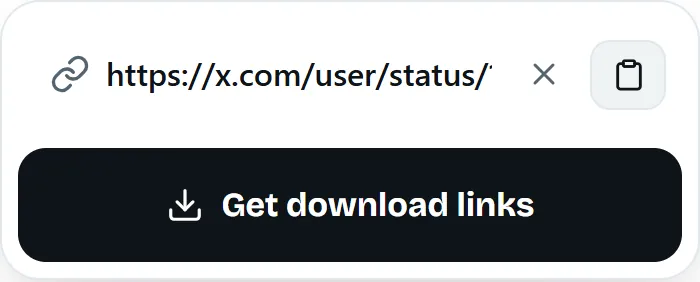
Paste it above and wait a few seconds.
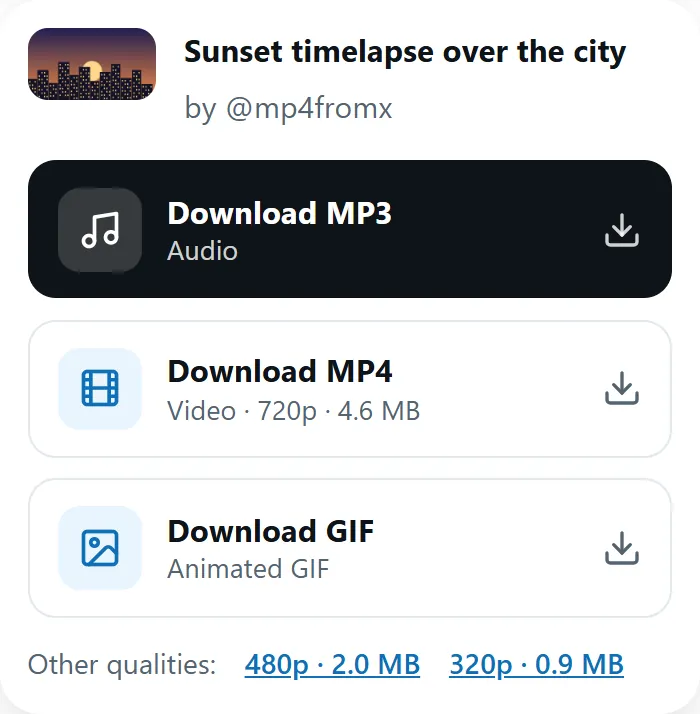
Select Download MP3 to save the audio file.
We take the best audio track X provides for the video and encode it as a 192 kbps MP3, the most widely supported audio format.
Only the sound is fetched and converted, not the whole video, so the MP3 is usually ready in a couple of seconds.
The MP3 holds the full sound of the video, exactly as it plays on X: a song, a speech, an interview, a voice note or a podcast clip.
Want the picture too? Use the Video downloader.
An MP3 file works with almost everything:
It depends on your device:
A few cases have no audio to convert:
If the converter is busy, wait a few seconds and select the button again.
Music shared on X is usually protected by copyright. Keep MP3s for personal listening, and support the artists you discover.
Yes. It is free and unlimited, with no account.
A 192 kbps MP3 made from the best audio track X provides. It cannot sound better than the original upload.
No. Live Spaces and broadcasts are not supported, only videos posted in a post.
Yes. In Safari, the MP3 goes to the Files app, under Downloads.
The post probably contains a GIF, which has no sound. Videos always offer an MP3.
Not at the moment. MP3 plays everywhere, so it is the only audio format we offer.
Last updated: