
A real .gif file
Many tools only give you the MP4 that X stores. We convert it to an animated GIF with a tuned color palette, ready for places where only GIFs work.
X stores GIFs as short MP4 videos. Paste the post link and get a real animated GIF to share on Discord, WhatsApp or anywhere else, or keep the MP4.
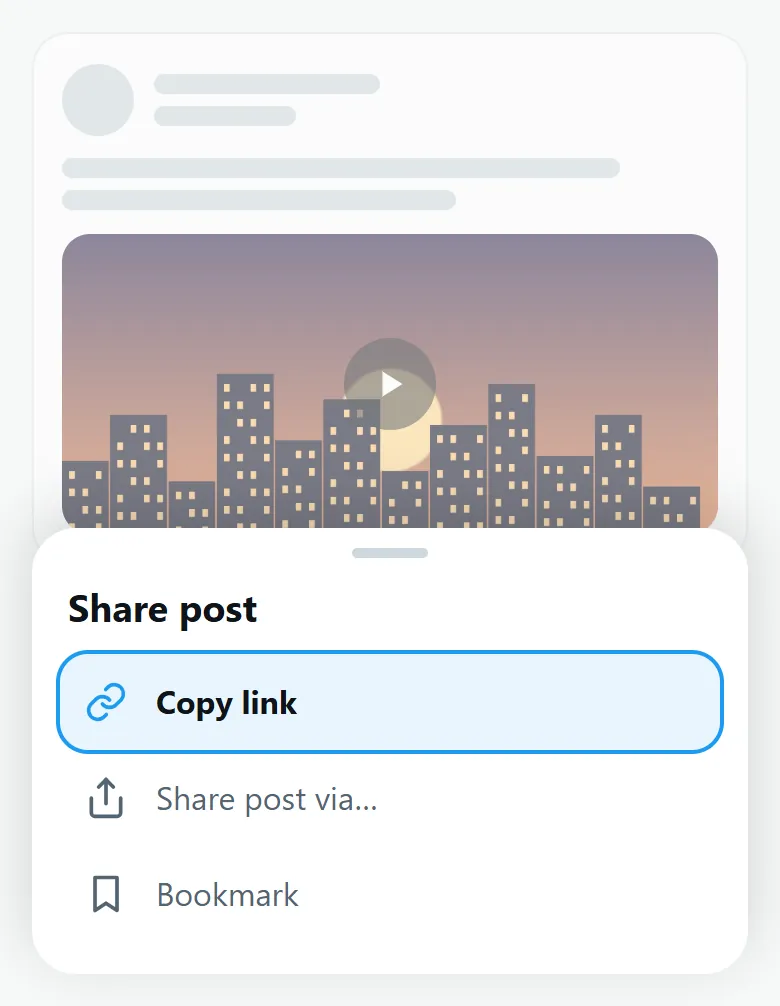
Open the post with the GIF on X, tap Share, then Copy link.
Paste the link above. The GIF is found in a few seconds.

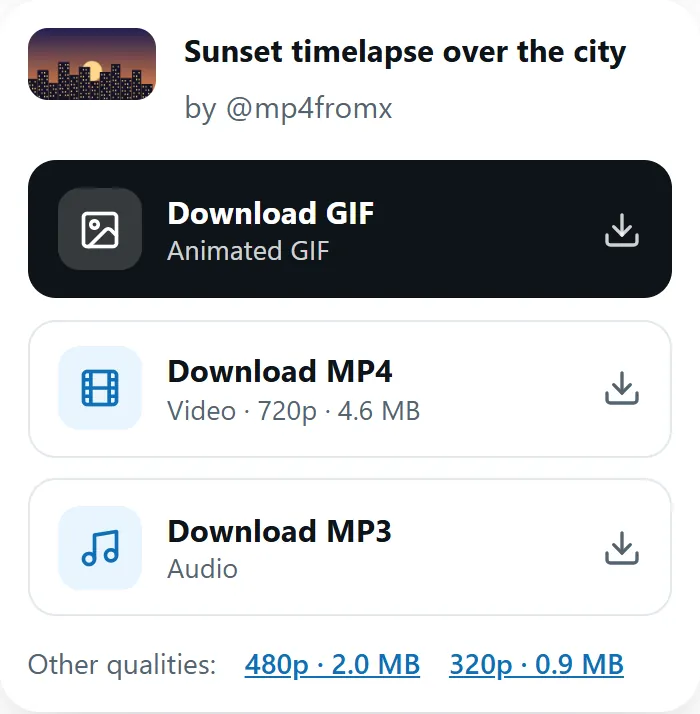
Select Download GIF for an animated GIF, or Download MP4 for the original file.
Many tools only give you the MP4 that X stores. We convert it to an animated GIF with a tuned color palette, ready for places where only GIFs work.
GIFs are 360 pixels wide at 12 frames per second and up to 12 seconds long: usually a few megabytes, well under Discord’s 10 MB upload limit.
Twitter has long converted every GIF you upload into a silent MP4 video that loops. It looks the same, loads faster and weighs less. That is why most downloaders hand you an MP4, and why apps that only accept .gif files (some chat apps, forums or older editors) refuse it.
MP4fromX gives you both: the original MP4, and a real GIF converted on our server.
The GIF button also appears for regular videos up to 30 seconds long. The GIF keeps the first 12 seconds, without sound. For a longer clip, download the MP4 from the Video downloader and trim it first.
Both have their uses:
On iPhone, a GIF saved to Photos plays as an animation. Our iPhone guide shows where the files land.
GIFs often come from films, shows or other creators. Use them for personal sharing, and credit the source when you can.
X converts every uploaded GIF into a looping MP4 video, which is lighter and plays more smoothly. MP4fromX turns it back into a real GIF.
Yes. It is free and unlimited, with no account and no watermark.
They are 360 pixels wide at 12 frames per second and up to 12 seconds long, usually between 1 and 6 MB.
Yes. They usually stay well under Discord’s 10 MB upload limit.
Yes, for videos up to 30 seconds. The GIF keeps the first 12 seconds, without sound.
Wait a few seconds and try again: conversions run one after another to keep the service fast. The MP4 is always available right away.
No. GIF files cannot hold sound, and GIFs on X are silent anyway.
Last updated: